
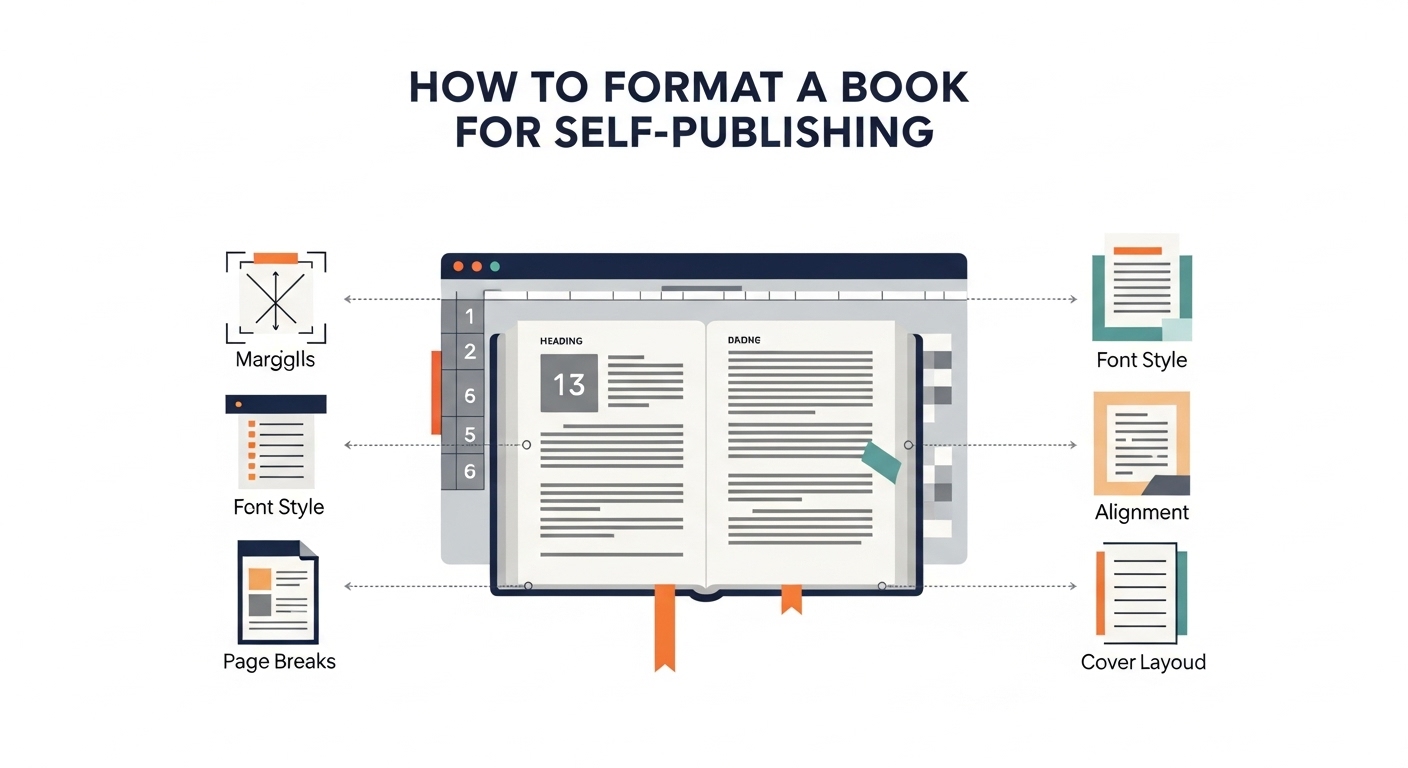
Formatting is one of the most underestimated steps in the self-publishing process. Many authors spend months writing a manuscript, only to rush through formatting at the end—resulting in books that look unprofessional, frustrate readers, and receive poor reviews. Proper formatting is not about aesthetics alone; it is about readability, credibility, and meeting platform standards so your book performs well in both print and digital formats.
This guide explains how to format a book for self-publishing in a clear, practical way. Instead of repeating generic advice, it focuses on real formatting decisions authors must make, the differences between print and ebook formatting, and how to avoid costly mistakes that affect sales and reader trust. Additionally, if you’re struggling to complete your manuscript, these formatting strategies complement approaches discussed in How To Finish Writing A Book When You Feel Stuck, helping ensure your work is ready for publication once it’s complete.
What Book Formatting Really Means
Book formatting is the process of arranging your manuscript so it functions smoothly as a published book. This includes page layout, margins, font choices, spacing, headings, page numbers, and front and back matter. In ebooks, formatting also controls how text adapts to different screen sizes and devices.
Good formatting should be invisible to the reader. When done correctly, the reader never notices it. When done poorly, it becomes a constant distraction.
Why Proper Formatting Matters in Self-Publishing
Traditional publishers handle formatting internally. Self-published authors do not have that safety net. Formatting errors directly affect your book’s perceived quality and commercial success.
Poor formatting can lead to: – Negative reader reviews – Rejections from self-publishing platforms – Unprofessional appearance – Reduced readability
Well-formatted books, on the other hand, signal credibility and care—two qualities readers associate with value.
Understanding Print vs Ebook Formatting
One of the biggest mistakes authors make is using the same formatting approach for print books and ebooks. These formats function very differently.
Key Differences Between Print and Ebook Formatting
| Aspect | Print Book | Ebook |
| Page size | Fixed | Adjustable |
| Fonts | Embedded | Device-controlled |
| Margins | Precise | Minimal |
| Page numbers | Required | Not used |
| Layout control | High | Limited |
Understanding these differences helps you format each version correctly instead of forcing one format to fit all.
Choosing the Right Trim Size for Print Books
Trim size refers to the final dimensions of your printed book. Your choice affects readability, page count, and printing costs.
Common trim sizes include: – 5 x 8 inches (fiction, memoirs) – 5.5 x 8.5 inches (general nonfiction) – 6 x 9 inches (business, self-help, textbooks)
Selecting the right trim size early prevents layout issues later.
Font Selection and Typography Basics
Fonts influence how comfortable your book is to read. Decorative fonts may look appealing but often reduce readability.
Recommended Font Guidelines
| Element | Best Practice |
| Body text | Serif fonts (e.g., Garamond, Times) |
| Headings | Simple sans-serif or bold serif |
| Font size | 10.5–12 pt (print) |
| Line spacing | 1.15–1.5 |
| Paragraph spacing | Indent first line, avoid extra gaps |
Consistency matters more than creativity in book typography.
Margins, Spacing, and Page Layout
Margins are critical for print books, especially for binding. Inner margins must allow space for the book spine, while outer margins ensure comfortable reading.
Margin Considerations
| Margin Type | Purpose |
| Inner margin | Prevents text from disappearing into binding |
| Outer margin | Improves readability |
| Top margin | Accommodates headers |
| Bottom margin | Allows page numbers |
Improper margins are one of the most common formatting errors in self-published books.
Front Matter and Back Matter Essentials
Professional books follow a standard structure that readers subconsciously expect.
Common Front Matter Elements
- Title page
- Copyright page
- Dedication (optional)
- Table of contents
Common Back Matter Elements
- About the author
- Acknowledgments
- Call to action (newsletter, website)
Correct placement of these sections enhances your book’s credibility.
Formatting Chapter Headings and Breaks
Chapter openings should feel clean and intentional. Avoid clutter and excessive decoration.
Best practices include: – Starting chapters on a new page (print) – Using consistent heading styles – Avoiding page numbers on chapter opening pages
For ebooks, use proper heading styles so navigation works correctly.
Ebook-Specific Formatting Rules
Ebook formatting prioritizes flexibility. Readers control font size, margins, and line spacing, so your job is to ensure the structure adapts smoothly.
Key ebook formatting rules: – Use styles, not manual formatting – Avoid fixed spacing and tabs – Use page breaks sparingly – Test on multiple devices
Clean ebook formatting improves compatibility across Kindle, Apple Books, and other platforms.
Tools Commonly Used for Book Formatting
| Tool | Best For |
| Microsoft Word | Basic formatting |
| Google Docs | Draft preparation |
| Vellum | Professional ebook and print formatting |
| Atticus | Cloud-based formatting |
| Adobe InDesign | Advanced print design |
The right tool depends on your budget, technical comfort, and book complexity.
Step-by-Step: How To Format a Book for Self-Publishing
Step 1: Finalize Your Manuscript
Complete all edits before formatting begins.
Step 2: Decide on Print, Ebook, or Both
Each format requires a different setup.
Step 3: Choose Trim Size and Fonts
Set these early to avoid rework.
Step 4: Apply Consistent Styles
Use heading and paragraph styles instead of manual formatting.
Step 5: Format Front and Back Matter
Follow industry-standard placement.
Step 6: Review Margins and Spacing
Check for readability and binding needs.
Step 7: Export Correct File Types
PDF for print, EPUB or MOBI for ebooks.
Step 8: Proof and Test
Order print proofs and preview ebooks on devices.
Common Formatting Mistakes to Avoid
- Mixing fonts throughout the book
- Using spaces instead of indents
- Ignoring ebook navigation
- Formatting before editing is complete
- Skipping print proofs
Avoiding these mistakes saves time, money, and reader frustration.
Frequently Asked Questions (FAQs)
Can I format my book myself for self-publishing?
Yes, many authors do. However, complex books may benefit from professional formatting.
Do ebooks and print books need separate files?
Yes. Each format has different technical requirements.
What file format do self-publishing platforms accept?
Most platforms accept PDF for print and EPUB for ebooks.
How much does professional book formatting cost?
Costs vary based on length and complexity, typically ranging from moderate to premium pricing.
Is formatting the same as editing?
No. Editing improves content; formatting controls presentation.
Final Thoughts
Learning how to format a book for self-publishing is a crucial step toward releasing a professional, reader-friendly book. When formatting is done correctly, it enhances your writing rather than distracting from it. Whether you choose to format your book yourself or work with a professional, understanding the process allows you to make informed decisions—and publish with confidence.