
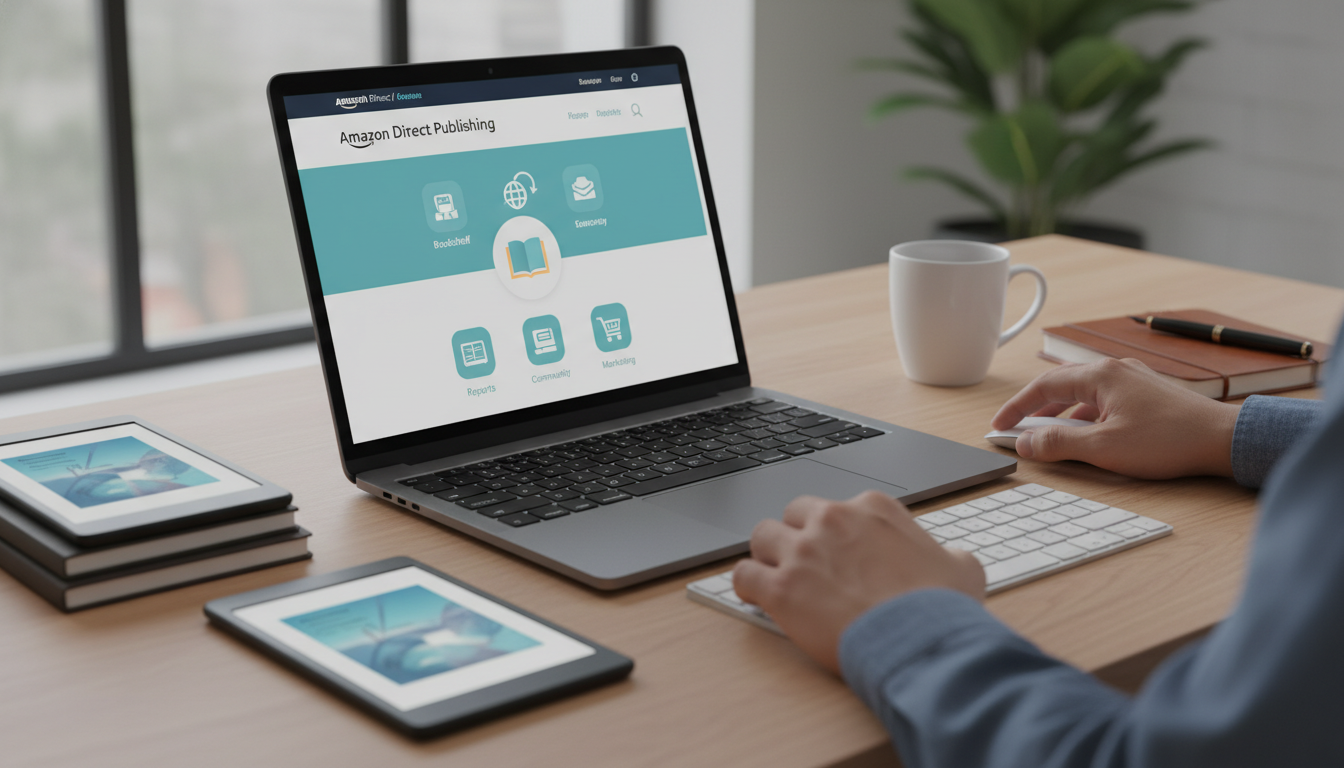
Amazon Kindle Direct Publishing (KDP) is the world leading self-publishing platform, allowing authors to bypass traditional gatekeepers and reach millions of readers globally. To set up a KDP account and start publishing on Amazon, you must navigate a series of technical steps including tax identity verification, banking configuration, and metadata optimization. This comprehensive guide provides a blueprint for aspiring authors and publishers to establish a professional presence on the Amazon KDP dashboard, ensuring your intellectual property is protected and your royalty payments are secured through the Amazon Kindle store ecosystem.
The Strategic Importance of a Correct KDP Account Setup
Entering the world of self-publishing is more than just uploading a Word document; it is about establishing a digital business entity within the Amazon ecosystem. A correctly configured Amazon Kindle Direct Publishing account serves as the foundation for your author brand. Mistakes made during the initial setup—particularly regarding tax information or legal entity names—can lead to payment delays, account suspensions, or even permanent bans. As the Kindle store continues to dominate the e-book market share, professionalizing your approach from day one is non-negotiable for long-term success.
Why Amazon KDP Remains the Gold Standard for Authors
Amazon controls over 80% of the e-book market in the United States and a significant portion of the global print-on-demand (POD) market. By using KDP, you gain access to Kindle Unlimited (KU), Amazon Advertising, and global distribution across territories like the UK, Germany, Japan, and India. The platform provides a low-barrier entry point while offering sophisticated tools for A/B testing book covers, tracking real-time sales, and managing book series.
Pre-Registration Checklist: What You Need Before Starting
Before you visit the KDP homepage, gather the following information to ensure a seamless registration process. Having these items ready will prevent the system from timing out and ensure your identity verification goes through on the first attempt.
- Active Amazon Customer Account: You can use your existing shopping account, but many professionals prefer creating a dedicated business email for their author platform.
- Legal Name and Address: This must match your government-issued ID and tax records.
- Tax Identification Number (TIN): For U.S. citizens, this is your Social Security Number (SSN) or Employer Identification Number (EIN). International authors will need their local country’s tax ID.
- Banking Information: You need the IBAN, SWIFT code, or Routing and Account numbers for the account where you wish to receive royalty payments.
- Book Metadata: While not required for account setup, having a title, subtitle, and primary keywords ready will help you move quickly into the publishing phase.
Step-by-Step Guide to Setting Up Your Amazon KDP Account
Follow these steps precisely to ensure your account is compliant with Amazon Terms of Service (ToS).
Step 1: Accessing the KDP Portal
Navigate to the official Kindle Direct Publishing website. Click on the “Sign up” button. If you already have an Amazon account, you can sign in with those credentials. However, if you are planning to publish under a publishing house name or a specific LLC, consider whether you want this account tied to your personal shopping history.
Step 2: Agreeing to the Terms and Conditions
Amazon will present a legal agreement. It is vital to read the sections regarding exclusivity (KDP Select), content guidelines, and termination clauses. By clicking “Agree,” you are entering into a binding contract that governs how your intellectual property is handled on the platform.
Step 3: Completing Your Author Profile
Once inside the dashboard, you will see a notification stating that your account information is incomplete. Click on “Update Now.” This is where you provide your legal entity type (Individual or Corporation). Individual accounts are the most common for solo authors and use your personal tax information.
| Entity Type | Description | Tax Form Required |
|---|---|---|
| Individual | Solo authors, pen names, and freelancers. | W-9 (US) or W-8BEN (Intl) |
| Corporation/LLC | Registered business entities and small presses. | W-9 (US) or W-8BEN-E (Intl) |
Navigating the Tax Interview and Banking Setup
This is the most critical phase of the KDP account setup. Amazon is a U.S.-based company and is required by the IRS to collect tax information from all publishers, regardless of their location.
The Digital Tax Interview
Amazon provides a guided “Tax Interview” within the dashboard. You will be asked if you are a U.S. person for tax purposes. If you are a non-U.S. author, Amazon may withhold up to 30% of your U.S. royalties unless your country has a tax treaty with the United States. Ensure you provide your Foreign Tax Identifying Number (FTIN) to claim treaty benefits and reduce withholding to 0% or 10% depending on the agreement.
Configuring Royalty Payments
Amazon pays royalties via Electronic Funds Transfer (EFT), wire transfer, or check. EFT is the preferred method as it has no minimum payment threshold for most territories. If your local bank is not supported for EFT, many international authors use services like Payoneer or Wise to create a “virtual” U.S. bank account, which Amazon accepts for direct deposits.
Expert Perspective: “Always ensure that the name on your bank account matches the legal name provided in the tax interview. Even a minor discrepancy, like a missing middle initial, can trigger a payment hold that takes weeks to resolve with KDP support.”
Understanding the KDP Dashboard Ecosystem
Once your account is verified, you will spend most of your time in the KDP Dashboard. Understanding its layout is key to efficient book management.
- Bookshelf: This is your command center where you create, edit, and view your e-books, paperbacks, and hardcovers.
- Reports: This tab provides data on units sold, KENP (Kindle Edition Normalized Pages) read, and historical earnings.
- Community: A forum where you can interact with other indie authors and stay updated on platform changes.
- Marketing: Here you can set up Amazon Ads, run Price Countdown Deals, or enroll your book in the KDP Select program.
Preparing Your Manuscript for the Kindle Store
Before you click “Create,” your manuscript must be formatted correctly. Amazon accepts several file types, but .KPF (Kindle Package Format) via Kindle Create or a well-formatted ePub file are the industry standards for e-books. For print books, a PDF with embedded fonts is mandatory.
If you find the technical aspects of formatting, editing, or ghostwriting to be overwhelming, collaborating with professionals can elevate your brand. For instance, Imperial Ghostwriting offers high-tier services that ensure your manuscript meets the rigorous quality standards expected by Amazon’s Helpful Content algorithms. Professional intervention often makes the difference between a book that languishes and one that earns bestseller badges.
The 3-Stage Publishing Process on KDP
Publishing a book on KDP is divided into three distinct sections: Kindle eBook Details, Kindle eBook Content, and Kindle eBook Pricing.
1. Kindle eBook Details (Metadata)
This section is all about searchability. You will enter your Book Title, Subtitle, and Author Name. You also get 7 keyword slots. Do not just use single words; use long-tail keywords that readers actually type into the search bar (e.g., “dark psychological thriller with a twist” instead of just “thriller”).
2. Kindle eBook Content
Here, you upload your manuscript and your book cover. You will also be asked about Digital Rights Management (DRM). Enabling DRM prevents users from sharing the file easily, but many modern authors leave it disabled to provide a better user experience. You will also use the Kindle Previewer tool here—never skip this step! It shows you exactly how the book will look on various devices like the Kindle Paperwhite or a tablet.
3. Kindle eBook Pricing
You must choose between two royalty tiers: 35% and 70%. To qualify for the 70% royalty rate, your book must be priced between $2.99 and $9.99. If your book is priced outside this range (either lower or higher), you must select the 35% option. This section also allows you to opt into Kindle MatchBook and Book Lending.
KDP Select vs. Wide Publishing: Making the Choice
One of the biggest decisions for a new Amazon publisher is whether to enroll in KDP Select. This is a 90-day exclusivity agreement where you promise not to sell your e-book on any other platform (like Apple Books or Kobo) in exchange for specific benefits.
Benefits of KDP Select:
- Kindle Unlimited (KU): Your book is available for free to KU subscribers, and you get paid per page read.
- Kindle Countdown Deals: Run time-bound promotional discounts while maintaining your 70% royalty.
- Free Book Promotions: Offer your book for free for up to 5 days every 90-day cycle to boost sales rank and reviews.
The “Wide” Strategy:
Publishing “wide” means you do not join KDP Select. This allows you to diversify your income across multiple retailers and reach readers who do not use Amazon. This is often a better long-term play for established authors with large backlists.
The Role of ISBNs in Self-Publishing
An ISBN (International Standard Book Number) is a 13-digit identifier for your book. For Kindle e-books, an ISBN is not required; Amazon assigns an ASIN (Amazon Standard Identification Number). However, for paperback and hardcover versions, you need an ISBN. Amazon offers a free ISBN, but it lists “Independently Published” as the imprint. If you want to look like a professional publishing house, you should purchase your own ISBNs from Bowker (in the US) or your local agency.
Optimizing for the Amazon Algorithm (A9)
Setting up the account is just the start. To sell books, you must appease the A9 algorithm. This involves maintaining a high conversion rate (the percentage of people who see your page and actually buy). Factors that influence this include:
- Cover Design: It must be legible as a thumbnail and fit the genre tropes.
- Book Description: Use HTML formatting (bolding, lists) to make your description readable. Treat it like a sales page, not a summary.
- Category Selection: You can choose two categories during setup, but you can later request Amazon to add your book to up to 10 categories via Author Central.
- Reviews: Social proof is the engine of the Kindle store. Focus on getting Verified Purchase reviews through legitimate launch strategies.
Managing Your Author Brand via Amazon Author Central
Once your KDP account is active and your first book is live, you must claim your Amazon Author Page via Author Central. This is a separate portal where you can add your biography, photos, videos, and link your blog feed. A professional author page increases trust and allows readers to “Follow” you, meaning Amazon will automatically email them when you release a new book.
Common Pitfalls to Avoid in KDP Account Management
Many authors lose their accounts due to avoidable mistakes. Imperial Ghostwriting emphasizes the importance of compliance to protect your long-term earnings.
- Multiple Accounts: You are only allowed one KDP account per lifetime. If you want to publish under different pen names, do it all from one account. Opening a second account is the fastest way to get banned.
- Copyright Infringement: Never use AI-generated content without disclosure if required, or use trademarked terms in your titles or keywords.
- Review Manipulation: Do not buy reviews or participate in “review swaps.” Amazon’s fraud detection is sophisticated and unforgiving.
- Public Domain Content: Publishing public domain books requires specific formatting and unique contributions to be accepted on KDP.
Financial Management: Understanding Royalties and Taxes
Amazon pays royalties 60 days after the end of the month in which the sale occurred. For example, money earned in January will be paid at the end of March. It is essential to track your advertising spend against your net royalties to ensure your self-publishing business is profitable.
Comparison: E-book vs. Print Royalties
| Feature | Kindle eBook | Paperback (POD) |
|---|---|---|
| Royalty Rate | 35% or 70% | 60% (minus printing costs) |
| Distribution | Instant Global | Regional Print Centers |
| Delivery Costs | Small fee based on file size | Fixed printing fee per page |
| Minimum Price | $0.99 | Varies by page count |
Future-Proofing Your KDP Presence
The self-publishing landscape is shifting toward AI-assisted discovery and voice search. To stay ahead, ensure your A+ Content (the “From the Publisher” section on your book page) is rich with imagery and semantic keywords. This enhances the user experience and provides more data points for Amazon’s recommendation engine to understand who your ideal reader is.
Checklist for a Successful Book Launch on KDP
- Validate your niche: Ensure there is a hungry audience for your topic.
- Professional Editing: Never publish a first draft. Use professional services like Imperial Ghostwriting to ensure high-quality prose.
- Formatting Check: Test your file on the Kindle Previewer for both dark and light modes.
- Metadata Optimization: Use tools like Publisher Rocket or Helium 10 to find high-volume, low-competition keywords.
- Set Up Author Central: Claim your profile and link your books.
- Plan Your Launch: Coordinate ARC (Advance Review Copy) readers and set your Amazon Ads budget.
Frequently Asked Questions
Can I change my pen name after publishing?
Yes, you can change the contributor name in the book details at any time. However, the ASIN remains the same, and your sales rank history will carry over.
How much does it cost to set up a KDP account?
Setting up an Amazon KDP account is completely free. Amazon only makes money when you sell a book by taking a percentage of the sale as a royalty split.
Do I need a business license to publish on KDP?
No, you can publish as an individual using your Social Security Number. As your earnings grow, you may choose to form an LLC for liability and tax advantages.
Can I publish books in different languages?
Yes, KDP supports dozens of languages. You can manage foreign language editions of your book from the same dashboard, allowing for a truly global author brand.
The Path Forward for New KDP Publishers
Establishing your Amazon Kindle Direct Publishing account is the first step in a journey of creative entrepreneurship. While the technical setup—tax interviews, banking, and metadata—can seem daunting, it is a one-time hurdle that opens the door to passive income and global influence. By following the standards of E-E-A-T (Experience, Expertise, Authoritativeness, and Trustworthiness) in your writing and your account management, you position yourself to thrive in the competitive digital marketplace. Remember that quality is the ultimate SEO strategy; a well-written, professionally produced book will always outperform a poorly constructed one, regardless of how well the account is set up. Focus on the reader, adhere to Amazon’s guidelines, and leverage professional resources to turn your publishing dreams into a sustainable reality.