
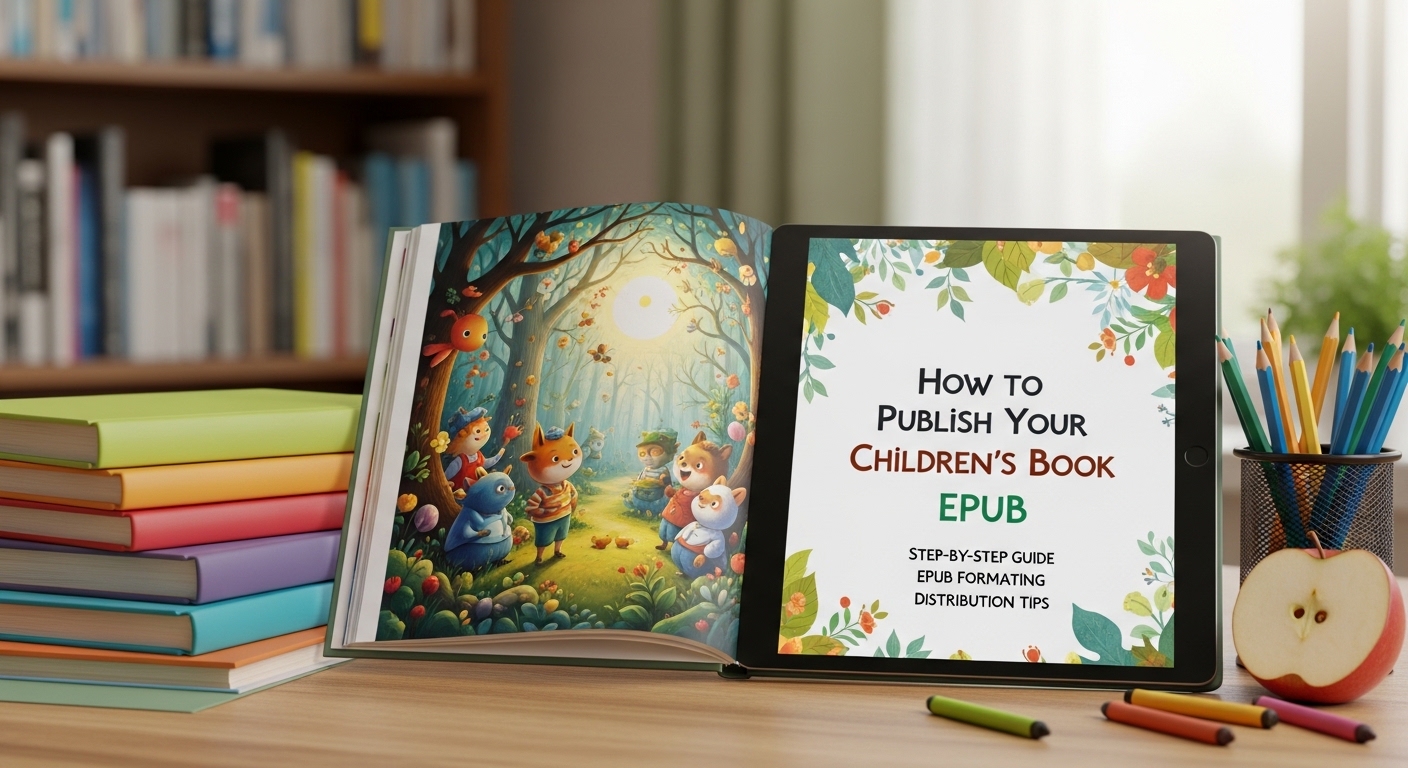
The New Era of Digital Storytelling: Why Your Children’s Book Needs an EPUB
The landscape of children’s literature has undergone a massive transformation. As we navigate 2026, the digital consumption of picture books, middle-grade novels, and early readers has reached an all-time high. Parents and educators are no longer just looking for “books”; they are seeking immersive, accessible, and high-quality digital experiences. If you have a story to tell, learning how to publish your children’s book epub is the most critical step toward reaching a global audience.
Publishing an EPUB (Electronic Publication) is more than just converting a Word document. It requires a deep understanding of visual layout, platform-specific requirements, and the latest accessibility standards that search engines and retailers prioritize today. In this comprehensive guide, we will walk you through the technical, creative, and strategic steps to ensure your children’s book doesn’t just exist online but thrives in the competitive digital marketplace.
Understanding the Format: Fixed-Layout vs. Reflowable EPUBs
Before you dive into the “how-to,” you must choose the correct technical framework for your book. In 2026, the distinction between these two formats is sharper than ever, thanks to the evolution of E-Ink and high-resolution tablet displays.
What is a Fixed-Layout EPUB?
For most children’s authors, especially those creating picture books, Fixed-Layout is the gold standard. This format ensures that your text stays exactly where you placed it relative to the illustrations. It preserves the “look and feel” of a printed book, which is essential for visual storytelling where the art and words must harmonize.
What is a Reflowable EPUB?
Reflowable formats allow the text to shift and resize depending on the device. While this is perfect for text-heavy middle-grade novels or Young Adult fiction, it is generally avoided for highly illustrated children’s books because it can break the visual flow and separate text from its relevant images.
Step 1: Preparing Your Manuscript and Illustrations for 2026 Standards
Success starts long before you hit the “upload” button. In the current market, “good enough” is no longer the benchmark. High-definition (Retina and beyond) displays require ultra-high-resolution assets.
- Resolution Matters: Ensure your illustrations are at least 300 DPI (dots per inch). Even though it’s a digital file, higher resolution prevents pixelation on the large tablets favored by modern readers.
- Color Profile: Use RGB color profiles for digital publishing. CMYK is for print; using it for an EPUB can result in dull or distorted colors on screens.
- Aspect Ratio: Consider the primary devices of your audience. While most tablets are 4:3 or 16:10, designing with a flexible safety margin ensures your book looks great on everything from an iPad Pro to a foldable smartphone.
Step 2: Formatting Your Children’s Book EPUB
Learning how to publish your children’s book epub involves mastering the formatting phase. You have three primary paths in 2026:
1. Professional Design Software
Adobe InDesign remains the industry leader for creating Fixed-Layout EPUBs. It offers precise control over typography and image placement. In 2026, InDesign’s AI-assisted “Liquid Layout” features make it easier to export multiple versions for different screen sizes simultaneously.
2. Dedicated E-book Creation Tools
Tools like Vellum (for Mac users) and Kotobee have evolved significantly. They offer “drag-and-drop” simplicity for authors who aren’t graphic designers but want a professional finish. These tools often include built-in validation to ensure your EPUB file meets the latest standards of the International Digital Publishing Forum (IDPF).
3. AI-Driven Automation
A new trend in 2026 is the use of AI formatting assistants. These platforms can take your raw illustrations and text, analyze the narrative flow, and suggest optimal layouts. However, always perform a manual “Human-in-the-Loop” check to ensure the creative soul of your book isn’t lost to an algorithm.
Step 3: Implementing Digital Accessibility (AEO & GEO Essential)
In 2026, accessibility is not optional. Search engines and AI Answer Engines (AEO) prioritize content that is inclusive. To rank well and reach all children, your EPUB must be accessible.
- Alt-Text for Images: Every illustration must have descriptive Alt-Text. This allows screen readers to describe the art to visually impaired children.
- Logical Reading Order: Ensure the underlying HTML code follows the story’s sequence. This is a key factor for Generative Engine Optimization (GEO).
- High Contrast Typography: Use fonts that are legible and provide enough contrast against the background to help readers with dyslexia or low vision.
Step 4: Validating Your EPUB File
Before you can publish, your file must pass “validation.” This is a technical check to ensure there are no errors in the code that would cause the book to crash or display incorrectly on a Kindle or Kobo device.
Use EPUBCheck, the industry-standard validation tool. Many modern publishing platforms include this in their upload process, but running a manual check beforehand saves you from frustrating “File Rejected” messages during the launch phase.
Step 5: Choosing Your Distribution Strategy
When considering how to publish your children’s book epub, you must decide between “going exclusive” or “going wide.”
The Amazon KDP Exclusive Path (Select)
By publishing exclusively with Amazon, you can enroll in Kindle Unlimited (KU). For children’s authors, this can be lucrative as parents often use KU to discover new series. However, this prevents you from selling your EPUB on Apple Books or Google Play.
The “Wide” Distribution Path
This strategy involves publishing your EPUB on every possible platform. Use an aggregator like Draft2Digital or IngramSpark. This is often the better long-term play for children’s books, as it allows you to reach the massive education and library markets through platforms like OverDrive and Hoopla.
Step 6: Optimizing Metadata for Discoverability (Semantic SEO)
Metadata is the “invisible” data that tells search engines what your book is about. In the age of Semantic SEO, you need to think beyond simple keywords.
Critical Metadata Fields:
- Title and Subtitle: Include your primary keywords naturally.
- Series Information: If your book is part of a series, ensure this is linked correctly to improve “Read-Through” rates.
- Keywords/Tags: Use long-tail phrases that parents actually search for, such as “bedtime stories for 5-year-olds” or “children’s books about emotional intelligence.”
- Age and Grade Ranges: Be precise. Setting an accurate age range is the #1 way to ensure your book appears in the right category.
Step 7: Marketing Your Children’s Book in the Age of AI
In 2026, traditional book marketing is supplemented by AIO (AI Optimization). You want AI agents (like Gemini or ChatGPT) to recommend your book when a user asks, “What’s a great new children’s book about kindness?”
How to Win the AI Recommendation Game:
- Niche Authority: Establish yourself as an expert in your niche. If you write about nature, ensure your online presence reflects that expertise (E-E-A-T: Experience, Expertise, Authoritativeness, Trustworthiness).
- Secure Reviews: Verified reviews are a massive signal to both human buyers and AI algorithms. Aim for at least 20-30 reviews in your first month.
- Interactive Content: Create “Author Blueprints” or “Teachers’ Guides” on your website. AI engines crawl these documents and use them to validate the value of your book.
The Legal Side: ISBNs and Copyright
Don’t forget the paperwork. While some platforms provide a free ISBN, it is often better to purchase your own through Bowker (in the US) or your local agency. Owning your ISBN gives you full control over the metadata and ensures you are listed as the publisher of record across all databases.
Additionally, ensure you have the proper digital rights for your illustrations. If you hired an illustrator, your contract must explicitly state that you have the right to distribute their work in digital EPUB formats globally and in perpetuity.
Common Pitfalls to Avoid
Even experienced authors can make mistakes. Watch out for these common issues when learning how to publish your children’s book epub:
- File Size Overload: While high-res images are great, a massive file size can lead to “delivery fees” on Amazon that eat into your royalties. Use tools like TinyPNG to compress images without losing quality.
- Ignoring the Table of Contents (ToC): Every EPUB needs a functional, hyperlinked ToC, even if it’s a short picture book. This is an accessibility requirement.
- Neglecting the “Look Inside” Preview: Your first few pages must be captivating. If the preview shows a messy layout, you will lose the sale instantly.
Conclusion: Your Journey to Becoming a Published Author
Publishing a children’s book is a journey of passion, but the technical execution of your EPUB is what determines whether that passion reaches its audience. By following these 2026 standards—focusing on Fixed-Layout precision, accessibility compliance, and strategic metadata optimization—you position your story for maximum impact.
The world needs more stories that inspire, educate, and delight children. Now that you know how to publish your children’s book epub, the only thing left to do is take action. Start by formatting your first chapter today, or consult with a professional formatter to bring your vision to life.
Ready to share your story with the world?
Don’t let the technicalities hold you back. Begin your self-publishing journey today by choosing your formatting tool and validating your manuscript. Your future readers are waiting!